XiaoyaoClaw README Beautify
Turn a GitHub README from info-pile into project-front-door — content in Markdown (maintainable), visuals in SVG (GitHub-safe), dual-mode (full redesign / asset-only), with render-grade validation (headless Chrome + WCAG contrast + edge detect), Windows CN fonts and light/dark theme safety out-of-the-box.
Product Introduction
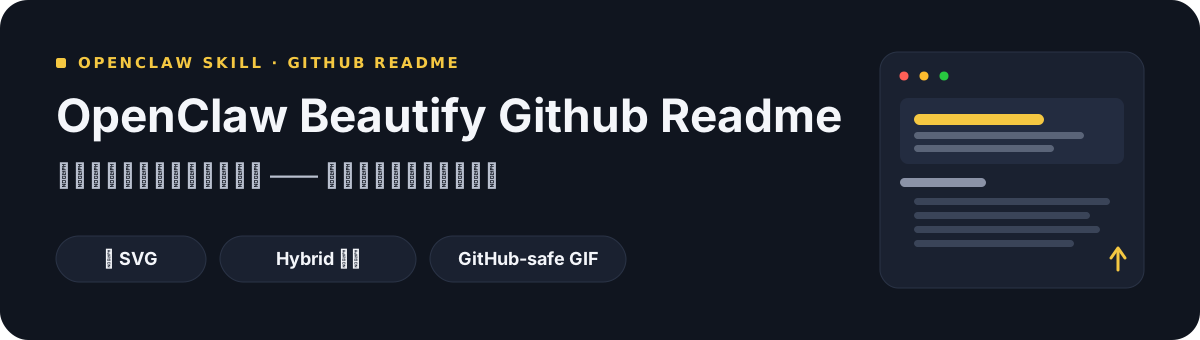
Beautify Github Readme is an Agent Skills skill (locally upgraded from oil-oil/beautify-github-readme MIT 1.7k★; upstream workflow and design specs fully preserved — thanks to the upstream author). Treats README as content + visuals: Markdown for content (searchable, copyable, maintainable), SVG for visuals (editable, scalable, GitHub-safe). Many repos have enough info — just no one wants to read it: order chaos hiding features on screen 5, template-swap with zero project-native feel, GitHub not supporting CSS / animation / remote fonts, SVGs invisible in dark mode, SVG text wrapping silently failing, Windows CN font fallback to 宋体. This skill reads the repo first then picks colors / fonts / graphic language (project-native, not template-fits-all). Two modes (full README optimization / asset-only) and three implementations (pure SVG / Hybrid SVG composition / GitHub-safe GIF), with three upgrade points over upstream: render-grade validation (Chrome/Edge headless per SVG → WCAG contrast check → edge detect → PNG output for review), Windows / CN font adaptation (font stack with Microsoft YaHei, CN/EN width guidance), light/dark theme safety (opaque containers or transparent with hard contrast rules). Read-only audit by default; no commit / push / PR without confirmation.
Core Features
- Two modes — full README optimization (rearrange + visual system) or asset-only (hero / section headers / flowcharts / badges)
- Project-native visuals — colors / fonts / graphics read from repo, not one-template-fits-all
- Three implementations — pure SVG (deterministic, editable) / Hybrid SVG composition / GitHub-safe GIF (opt-in motion, SVG stays source)
- Render-grade validation — Chrome/Edge headless per SVG → WCAG contrast check → edge detect → PNG for review, one command cross-platform
- Windows / CN font fit — stack includes Microsoft YaHei (no 宋体 fallback); CN/EN width guide: CJK ≈1em / Latin ≈0.5em
- Light/dark theme safety — SVG ignores prefers-color-scheme → opaque containers or transparent with hard contrast both ways
- Read-only audit — flags hard-to-read / evidence-lacking sections, no file edits
- Static audit + GIF gen — audit_readme.py checks refs / XML / alt; render_motion_gif.py for SVG → GitHub-safe GIF